
Ruhezeit in Germany: Sunday Quiet Hours & House Rules Guide
You have just finished completing your Anmeldung, unpacked the last moving boxes on a sunny Sunday afternoon, and decided it is the perfect time to...
Read more
This article was written by AI and published by Bretzi.
AI can get things wrong. For anything official, check the source it points to.
AI-generated image
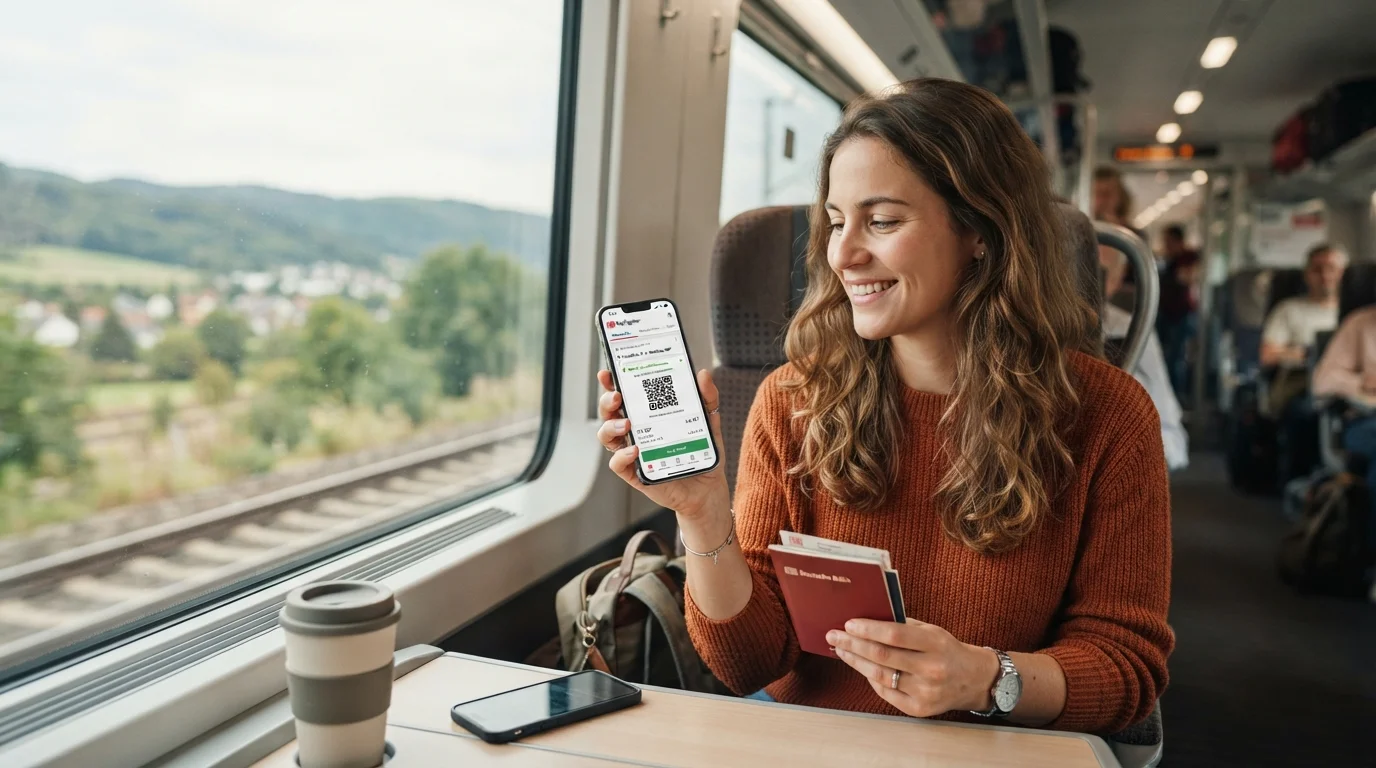
Navigating the public transportation system in Germany is an essential milestone for every expat, student, and language learner. Germany boasts one of the most extensive and efficient railway networks in the world, operated primarily by Deutsche Bahn (DB). However, standing in front of a ticket machine at a bustling train station while trying to decode complex fare zones and train categories in German can be daunting.
Fortunately, the official DB Navigator app puts the entire German railway system right in your pocket. From buying digital tickets and checking real-time train schedules to reserving seats and managing digital transit passes, DB Navigator is an indispensable tool for life in Germany. In this comprehensive guide, we will walk you step-by-step through using the DB Navigator app, explain German train ticket types, demystify rail jargon, and help you travel across Germany with total confidence.
Before diving into the app, it is important to understand the different types of trains operating on the German rail network. Fares, ticket rules, and travel speeds depend heavily on the category of train you select:
If you are relocating to Germany and getting settled—perhaps right after registering your address via Ummeldung—you will quickly rely on a mix of regional and long-distance trains for both your daily commute and weekend travel.
The DB Navigator app is available for free on both iOS and Android. While the app interface supports multiple languages including English, setting up your user profile correctly ensures a seamless booking experience.
Although you can purchase certain tickets as a guest, creating a free customer profile (*Mein DB*) is strongly recommended. A personal account allows you to save your personal details, store digital payment methods, access purchase history, receive automated train delay alerts, and store digital discount cards like the BahnCard.
DB Navigator supports several convenient payment options:
Buying a train ticket on DB Navigator takes less than two minutes once your account is set up. Here is how to complete a booking from start to finish:
Open the app and navigate to the Trips (*Reisen*) tab. Enter your departure station (*Start*) and destination (*Ziel*). You can type specific station names (e.g., München Hbf for Munich Central Station) or general city names.
Select your departure or arrival date and time. If you prefer to travel only on local/regional trains (which is crucial if you hold a regional pass), toggle the filter option for Regional transport only (*Nur Nahverkehr*).
The app will display a chronological list of available connections. Each search result clearly shows:
Tap on a connection to view detailed information, including platform numbers (*Gleis*), transfer times, and predicted train occupancy (*Auslastung*).
When booking long-distance journeys (ICE/IC), Deutsche Bahn offers three main fare categories:
On ICE and IC long-distance trains, seat reservations are optional but highly recommended during peak travel times (Friday afternoons, Sunday evenings, and holidays). During the booking flow, you can choose to add a seat reservation for a small fee (around €5.20 in 2nd class). The app provides a graphic seat map allowing you to choose window (*Fenster*), aisle (*Gang*), or table (*Tisch*) seats in quiet zones (*Ruhebereich*) or phone zones (*Handybereich*).
Review your passenger details, chosen route, seat reservation, and total fare. Tap Pay Now (*Kostenpflichtig buchen*). Once processed, your ticket generates instantly as a QR code stored under the Tickets section of your app.
While the app can operate in English, physical train stations, digital displays on platforms, and conductor announcements are overwhelmingly in German. Learning essential rail vocabulary will save you from missing connections or sitting in reserved seats.
To feel completely comfortable when making travel arrangements or dealing with unexpected journey updates, practicing real-life conversation scenarios is key. With Bretzi, an AI-powered German learning app, you can use interactive dialogue games and personalized AI conversation practice to rehearse asking conductors for assistance, understanding platform announcements, and expanding your daily transport vocabulary effortlessy.
For daily travel within cities or short regional trips, purchasing individual point-to-point tickets can get expensive. Germany offers simplified regional and national travel passes that integrate seamlessly with the DB Navigator app.
Every federal state (*Bundesland*) offers day passes like the Bayern-Ticket (Bavaria Ticket) or Niedersachsen-Ticket (Lower Saxony Ticket). These allow unlimited travel on all regional trains (RE, RB, S-Bahn, U-Bahn, buses) within a specific state for one day. They are ideal for group day trips because adding extra passengers costs only a small surcharge per person.
Introduced to revolutionize local transit, the Deutschlandticket offers unlimited travel across all local and regional transport networks throughout Germany for a flat monthly subscription fee. You can manage, display, and validate your subscription directly inside the DB Navigator app. To learn all about how this pass works, coverage exceptions, and rules for international residents, check out our comprehensive guide to the Deutschlandticket.
Budgeting for nationwide transportation is a fundamental aspect of expat life in Germany, alongside understanding your monthly living expenses like Kaltmiete and Warmmiete.
The DB Navigator app includes several smart tools designed to make your journey smoother and less stressful:
Once you are on the train and seated in your reserved spot on an ICE, open the app, navigate to your active ticket, and tap Komfort Check-in. Confirm your seat number. This notifies the ticket inspector (*Zugbegleiter*) digitally that you have checked in, allowing you to relax, sleep, or work without being interrupted for ticket verification.
Enable push notifications for your saved trips. The app sends real-time updates regarding platform changes, upcoming train transfers, delay alerts, and alternative routing if a connection is missed.
If you travel regularly, investing in a BahnCard 25 or BahnCard 50 offers a 25% or 50% discount on flexible or saver fares. You can link your BahnCard directly to your DB Navigator account so discounts are calculated automatically during search queries.
Despite Germany's reputation for precision, train delays (*Verspätungen*) do occur. Under European Passenger Rights (*Fahrgastrechte*), you have clear protections when traveling with Deutsche Bahn:
Mastering the DB Navigator app transforms traveling across Germany from a potential source of anxiety into a smooth, enjoyable routine. From finding cheap saver fares (*Sparpreis*) to checking platform numbers in real time, digital ticketing gives you total control over your mobility.
As you build your life or travel routine in Germany, combining practical digital tools with language mastery will make every experience richer. By incorporating Bretzi into your daily study routine, you can master train vocabulary, practice spoken German with instant AI feedback, and navigate real-life dialogues with total assurance. Download DB Navigator today, practice your travel German with Bretzi, and embark on your next journey across Germany with complete confidence!
Share this article:
You have just finished completing your Anmeldung, unpacked the last moving boxes on a sunny Sunday afternoon, and decided it is the perfect time to...
Read moreSigning a contract in Germany is notoriously easy—whether you are picking up a shiny new smartphone plan or joining a local fitness club. But when...
Read moreIf you have recently moved to Germany, your first trip to a local grocery store might feel less like a routine errand and more like an Olympic sport....
Read more